
1. Ro-ràdh
This manual provides essential information for the proper use and maintenance of your Transcend 8GB SDHC Class 4 Memory Card, model HDR-XR160-KSD48GB. This memory card is designed for compatibility with devices such as the Sony HDR-XR160 Camcorder, offering reliable storage for your digital content.
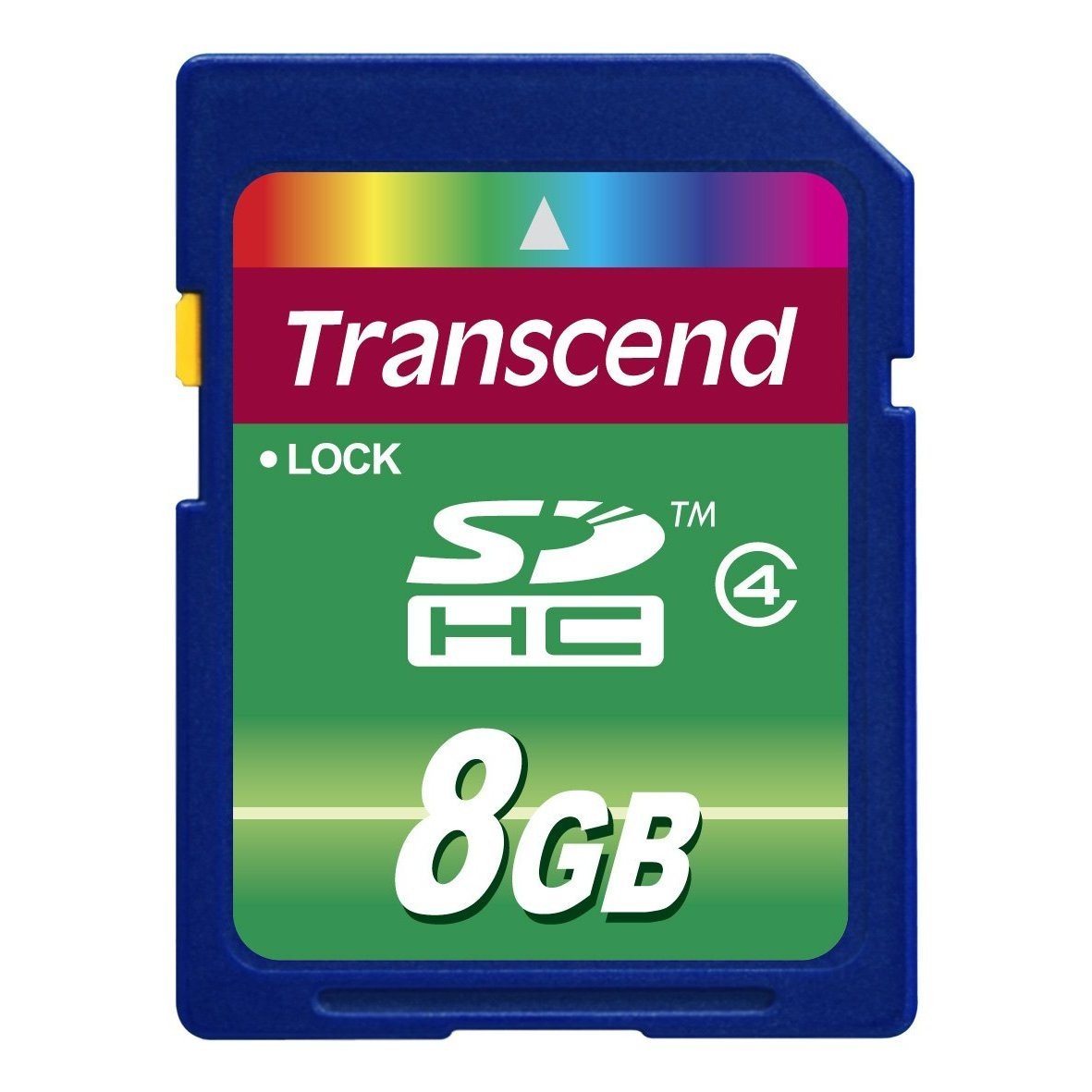
Image 1: Transcend 8GB SDHC Class 4 Memory Card. This image displays the physical appearance of the memory card, highlighting its compact design and branding.
2. Feartan
The Transcend 8GB SDHC Class 4 Memory Card offers the following key features:
- Comas: 8GB (Gigabytes) of storage, suitable for recording videos and storing photos.
- Seòrsa: SDHC (Secure Digital High Capacity) format, designed for larger storage needs.
- Clas Luas: Class 4 rating, ensuring a minimum write speed of 4 MB/s, which is suitable for standard definition video recording and continuous shooting of still images.
- Co-chòrdalachd: Specifically designed for use with compatible devices such as camcorders, including the Sony HDR-XR160.
- Seasmhachd: Dealbhadh aotrom airson làimhseachadh furasta.
3. Setup agus Stàladh
Follow these steps to properly install your memory card into a compatible device:
- Inneal cumhachd dheth: Ensure your camcorder or other compatible device is powered off before inserting the memory card. This prevents potential data corruption or damage to the card or device.
- Lorg an t-sliotan cairt: Identify the SD card slot on your device. Refer to your device's user manual for the exact location.
- Cuir a-steach Cairt Cuimhne: Gently slide the Transcend SDHC card into the slot with the gold contacts facing down (or as indicated by your device's manual). Push until it clicks into place. Do not force the card, as this may cause damage.
- Cumhachd air an inneal: Turn on your device. It should recognize the newly inserted memory card.
- Format Card (Optional but Recommended): For optimal performance and to ensure compatibility, it is recommended to format the memory card using your device's internal formatting function before first use. Note: Formatting will erase all data on the card. Back up any important data before proceeding.
4. Stiùireadh Obrachaidh
Once installed and formatted, your Transcend SDHC memory card is ready for use.
- Recording/Storing Data: Use your device's functions to record videos, capture photos, or store other digital files directly onto the memory card. The Class 4 speed rating supports standard video recording and photo capture.
- A’ faighinn cothrom air dàta: Gu view or transfer data, connect your device to a computer, or insert the memory card into a compatible card reader connected to a computer. The card will appear as a removable storage device.
- Safely Removing Card: Before physically removing the memory card from your device or card reader, always ensure that all data transfer operations are complete and safely eject the card through your operating system (e.g., "Safely Remove Hardware" on Windows, "Eject" on macOS). This prevents data corruption.
5. Cumail suas agus Cùram
Proper care extends the life of your memory card and protects your data.
- Dìon corporra: Store the memory card in a protective case when not in use to prevent scratches, dust, and static discharge. Avoid bending or dropping the card.
- Suidheachaidhean Àrainneachdail: Do not expose the card to extreme temperatures, direct sunlight, moisture, or strong magnetic fields.
- Glanadh: If necessary, gently wipe the gold contacts with a clean, dry, lint-free cloth. Avoid using harsh chemicals or abrasive materials.
- Cùl-taic dàta: Dèan lethbhreacan cunbhalach de dhàta cudromach bhon chairt-chuimhne agad gu inneal stòraidh eile (me, draibh cruaidh coimpiutair, stòradh sgòthan) gus casg a chur air call dàta.
6. A ’dèanamh trioblaid
If you encounter issues with your Transcend memory card, consider the following:
- Cairt gun aithneachadh:
- Ensure the card is fully inserted into the device slot.
- Power off and restart your device.
- Feuch a’ chairt ann an inneal co-chòrdail eile no leughadair cairt gus faighinn a-mach a bheil a’ chùis leis a’ chairt no leis an inneal.
- Check your device's manual for maximum supported memory card capacity and type (SD, SDHC, SDXC).
- Mearachdan Gluasaid Dàta:
- Ensure the card is securely connected.
- Avoid disconnecting the card during data transfer.
- Feuch port USB no leughadair cairt eadar-dhealaichte.
- Check for sufficient free space on both the card and the destination device.
- Coileanadh slaodach:
- Dèan cinnteach gu bheil an inneal agad a’ toirt taic do chlas astair a’ chairt.
- Format the card periodically (after backing up data) to optimize performance.
- Seachain a’ chairt a lìonadh chun a comas as àirde.
7. Sònrachaidhean
| Feart | Mion-fhiosrachadh |
|---|---|
| Modail Àireamh | HDR-XR160-KSD48GB |
| Seòrsa Cuimhne Flash | SDHC (Comas Àrd Didseatach Tèarainte) |
| Comas stòraidh cuimhne | 8 GB |
| Clas Luas Comann Didseatach Tèarainte | Class 4 (Minimum 4 MB/s write speed) |
| Eadar-aghaidh bathar-cruaidh | SDHC, Secure Digital Card |
| Innealan co-fhreagarrach | Camcorders (e.g., Sony HDR-XR160) |
| Meudan toraidh | 0.08 x 1.26 x 0.94 òirleach (approx.) |
| Cuideam nì | 0.16 unnsa (timcheall air.) |
| UPC | 876544745239 |
8. Barantas agus Taic
For information regarding warranty coverage, technical support, or frequently asked questions, please visit the official Transcend weblàrach. Cùm do chuidhteas ceannach mar dhearbhadh ceannach airson tagraidhean barantais.
Oifigeil thairis air Weblàrach: www.transcend-info.com